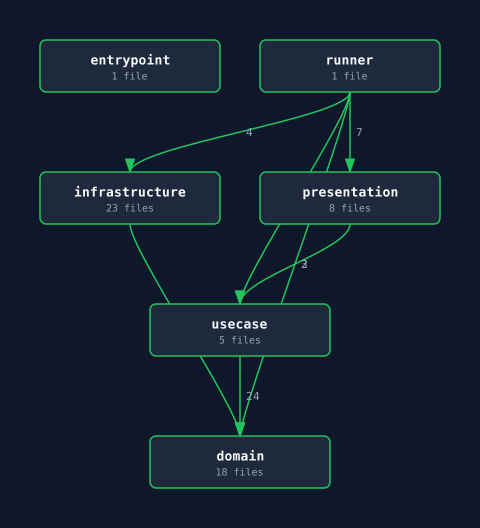
mille report external
Overview
mille report externalmille report external ./path/to/project # specify target directoryLists the external packages actually imported by each layer. You can pass a project directory as a positional argument. Defaults to the current directory (.) if omitted. Useful for auditing external_allow lists or documenting your dependency footprint.
mille report external always exits with code 0.
Output Formats
mille report external # terminal output (default)mille report external --format json # JSON outputmille report external --output report.json --format json # write to fileTerminal Output Example
External Dependencies by Layer
  domain          (none)  usecase         (none)  infrastructure  database/sql  cmd             fmt, os
JSON Output Example
{ "layers": { "domain": [], "usecase": [], "infrastructure": ["database/sql"], "cmd": ["fmt", "os"] }}Use Cases
- Verify no packages are missing from
external_allow - Audit for unintended external dependencies
- Document your dependency footprint for compliance or review